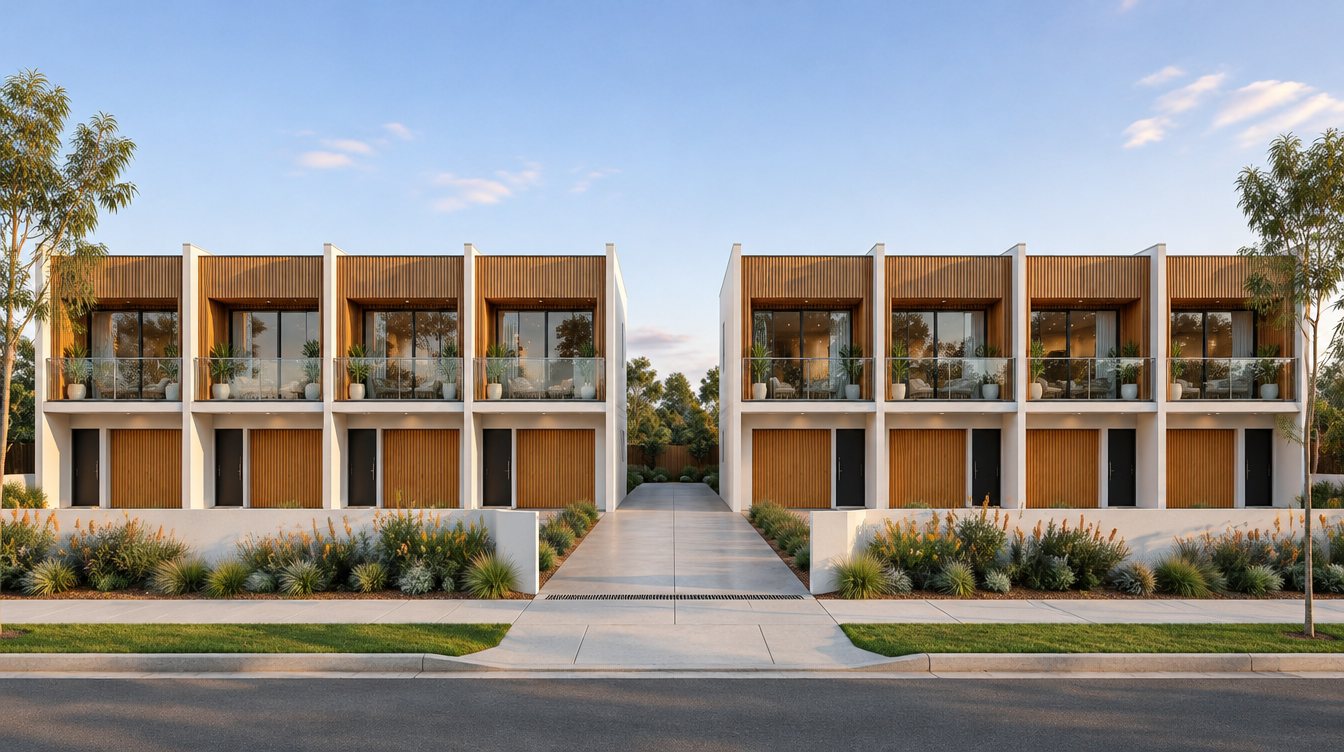
Every townhouse. Always up to date.
A live listings site for your development. Sold homes turn black and white on your own render, buyers see what is left in seconds, and your sales team updates it all from their phone.
Built with a Sunshine Coast developer and live on their townhouse projects now.
What buyers see
Availability, beside the render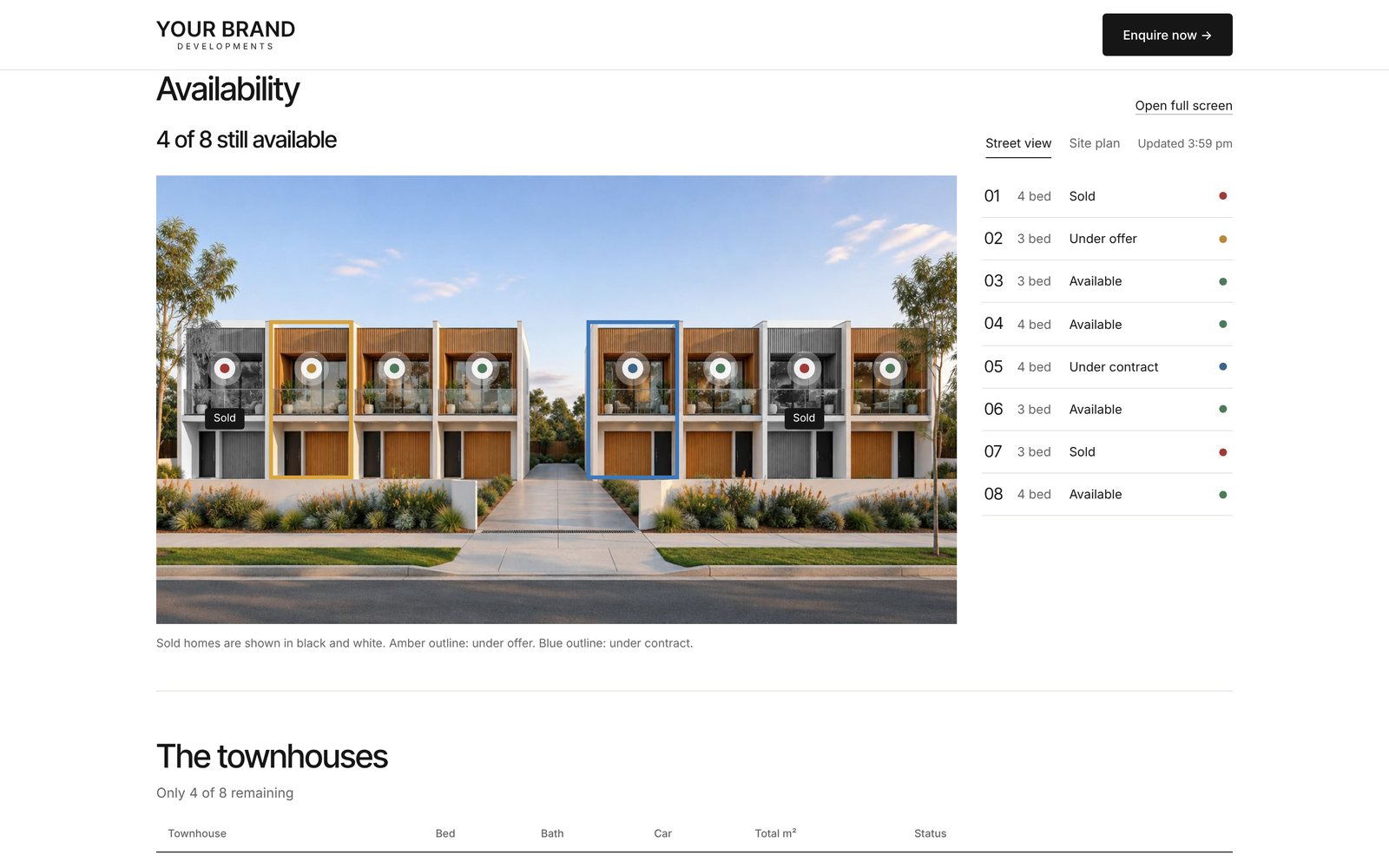
The problem
Selling off the plan still runs on PDFs and phone calls.
Price lists go stale overnight
The PDF is wrong the moment a townhouse sells, and every reprint costs time and money.
Buyers ring to ask what is left
Sales staff spend their day answering the same question instead of selling.
Every project starts from scratch
A new website for every development, rebuilt by hand, and dead once it sells out.
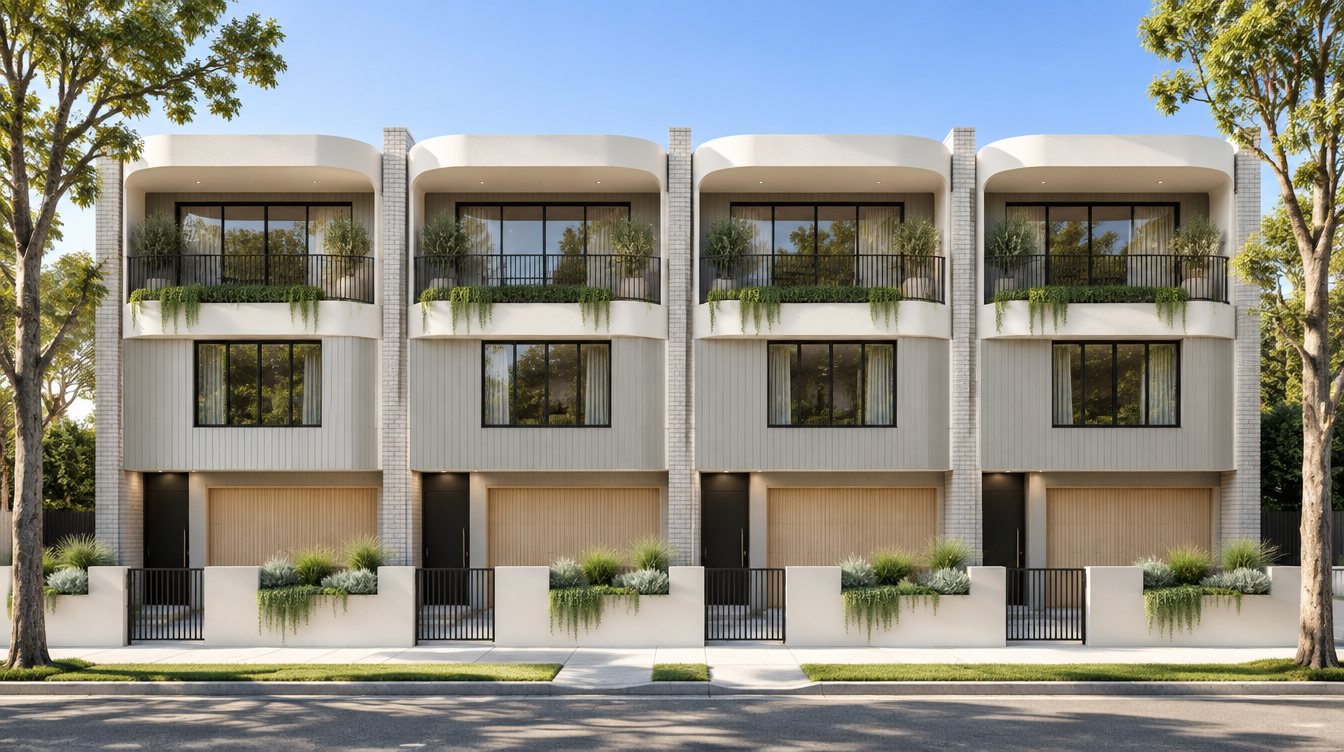
Sample render of a fictional project. Your project uses its own render.
How it works
Your render becomes a live sales board.
We trace each home on your street render once. From then on, one tap in the admin changes how that home looks to every buyer.
Shown in full colour on your render, ready to enquire on.
An amber outline appears around the home on the street view.
A blue outline shows it is spoken for, pending settlement.
The home turns black and white with a Sold tag. Social proof that the project is moving.
What you get
Everything a project needs to sell online.
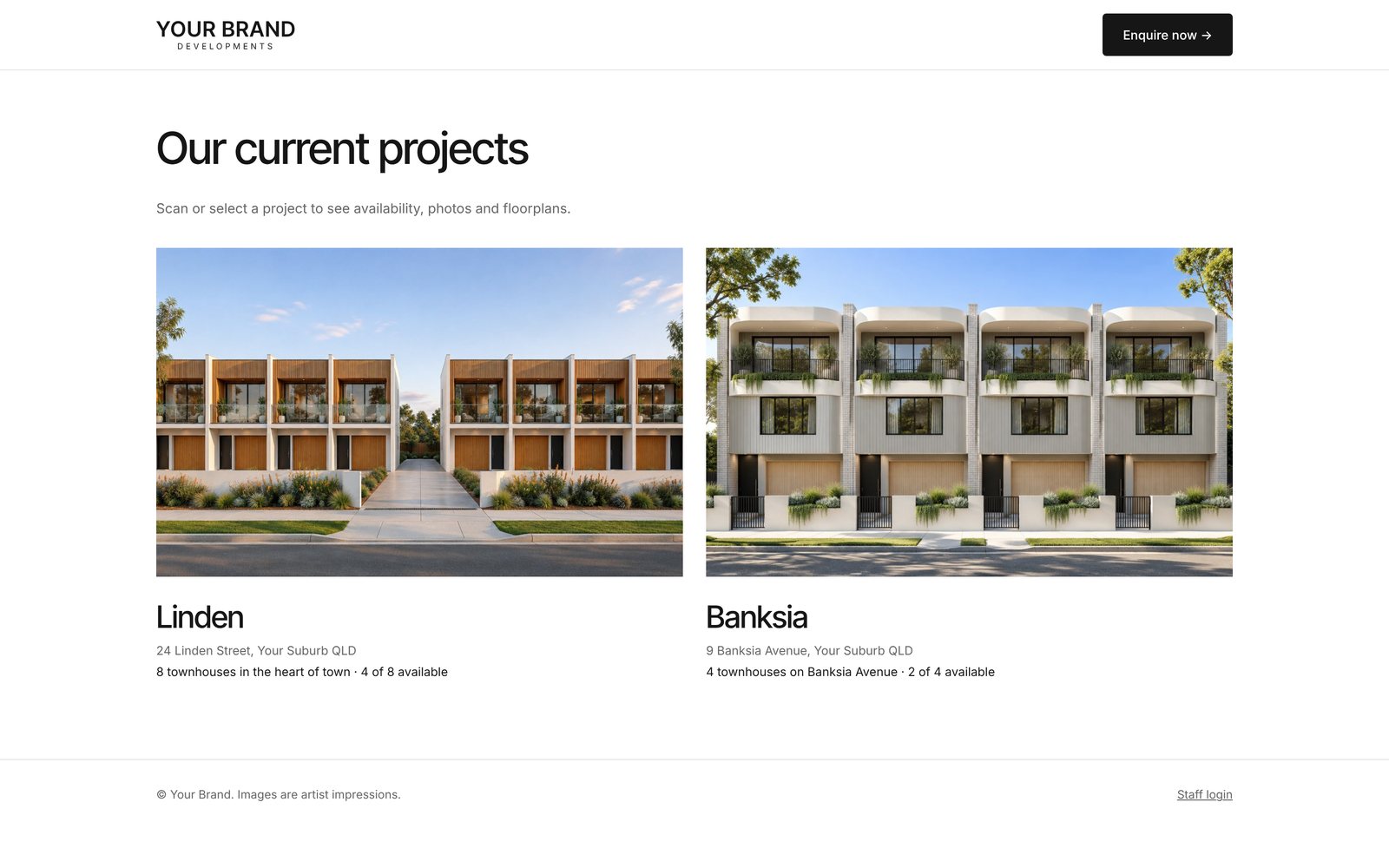
Projects hub
Every live project on one page, on a subdomain of your website. Scan or tap to open any project.
Street view on your render
Your own render with each home traced. Sold homes turn black and white, offers and contracts get outlined.
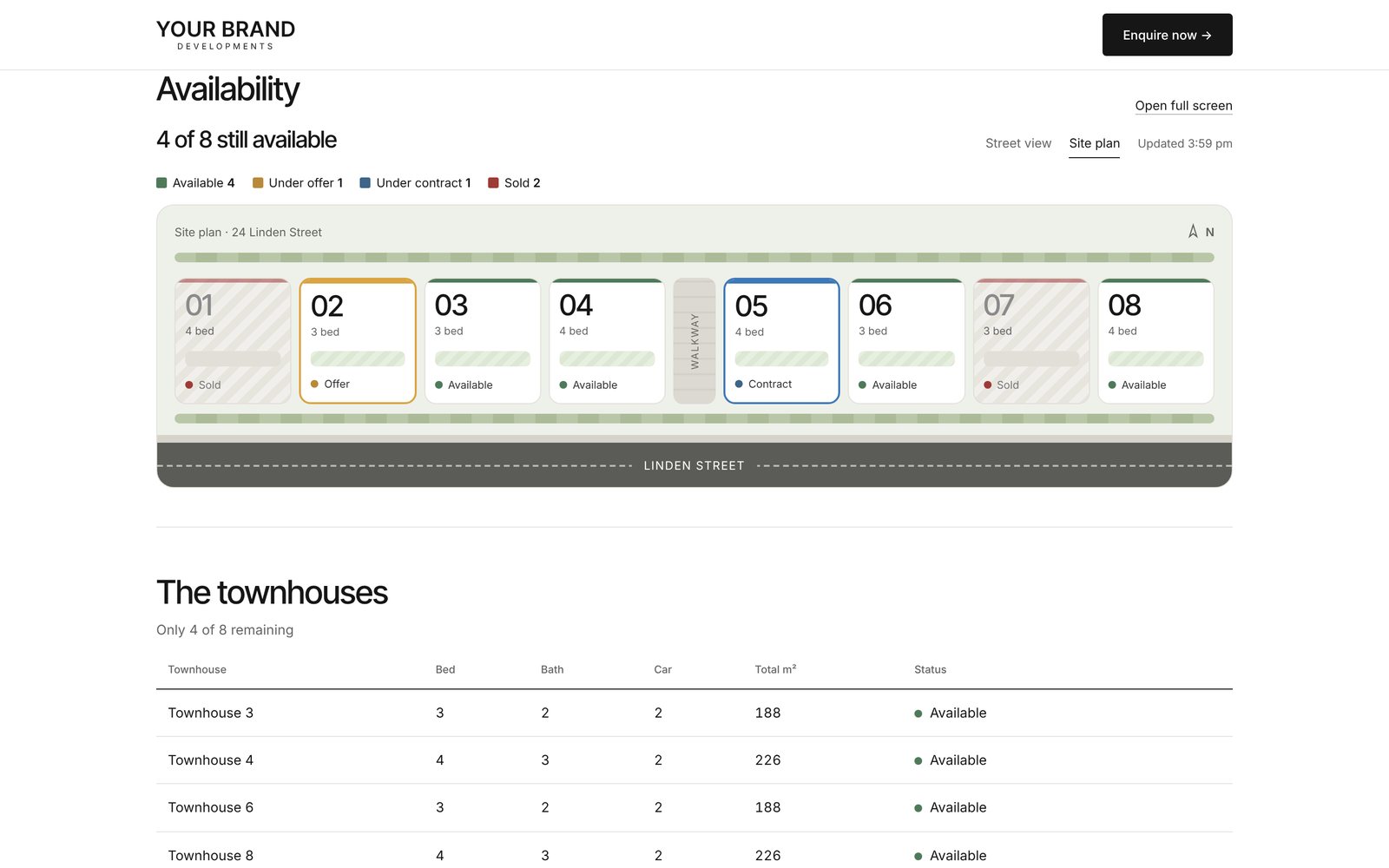
Site plan
Every lot laid out as it sits on the block, including homes the street view can't show.
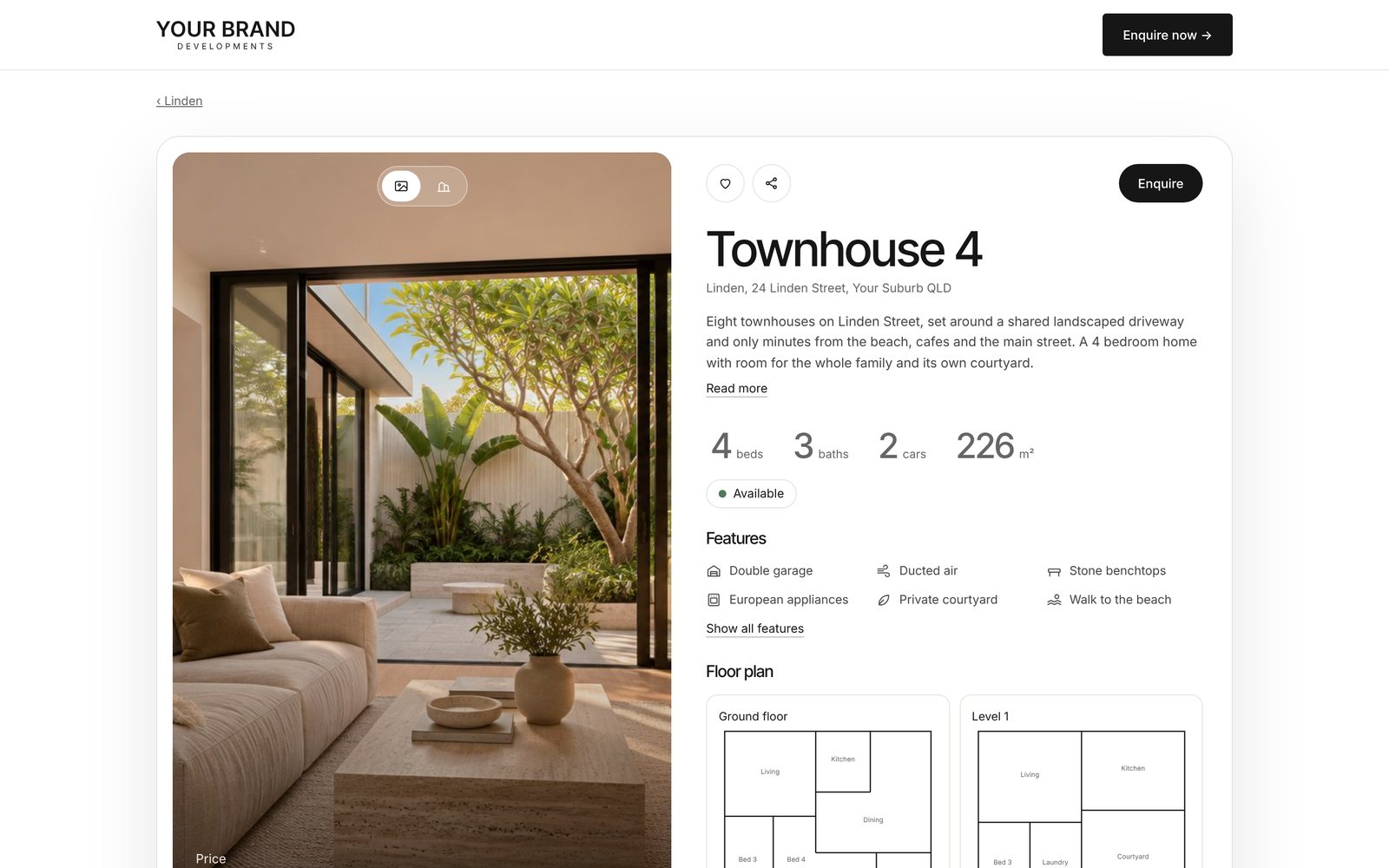
A page for every townhouse
Photos, status, measurements, features, floor plans and an enquiry form for every single home.
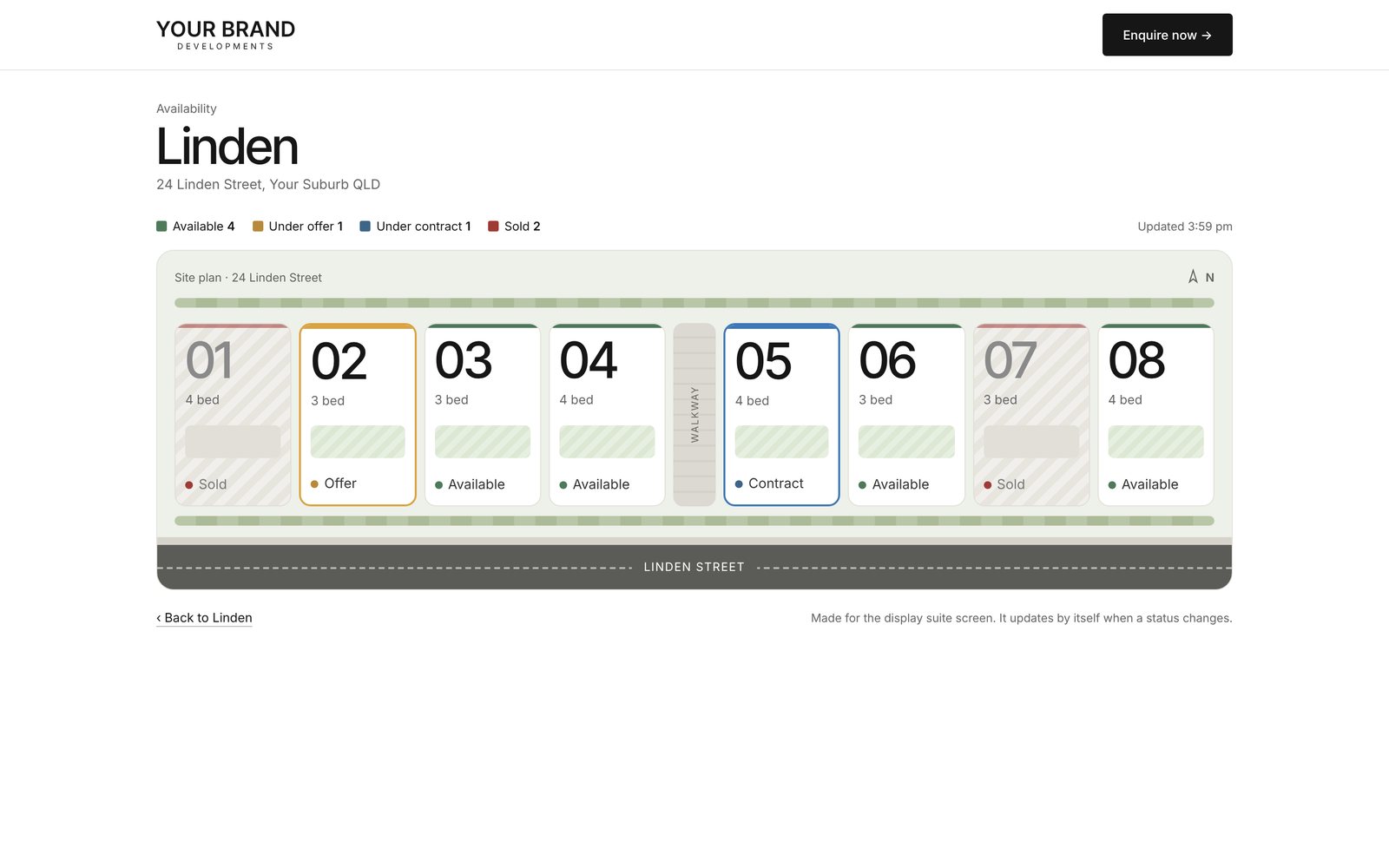
Full screen display map
A big live site plan for the display suite TV or sales office. It updates itself.
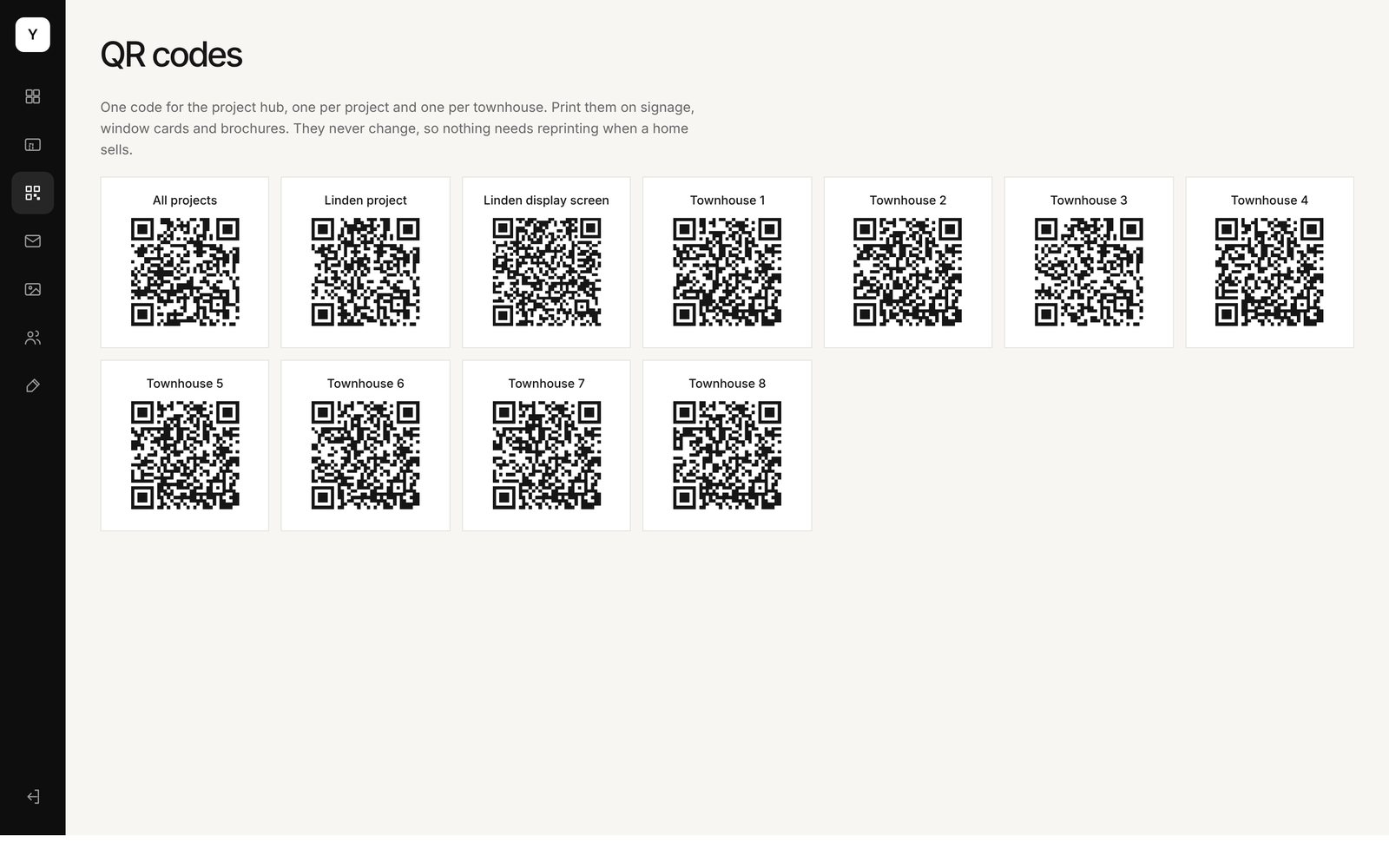
QR codes that never change
Codes for the hub, each project, the display screen and every townhouse. Print once, never reprint.
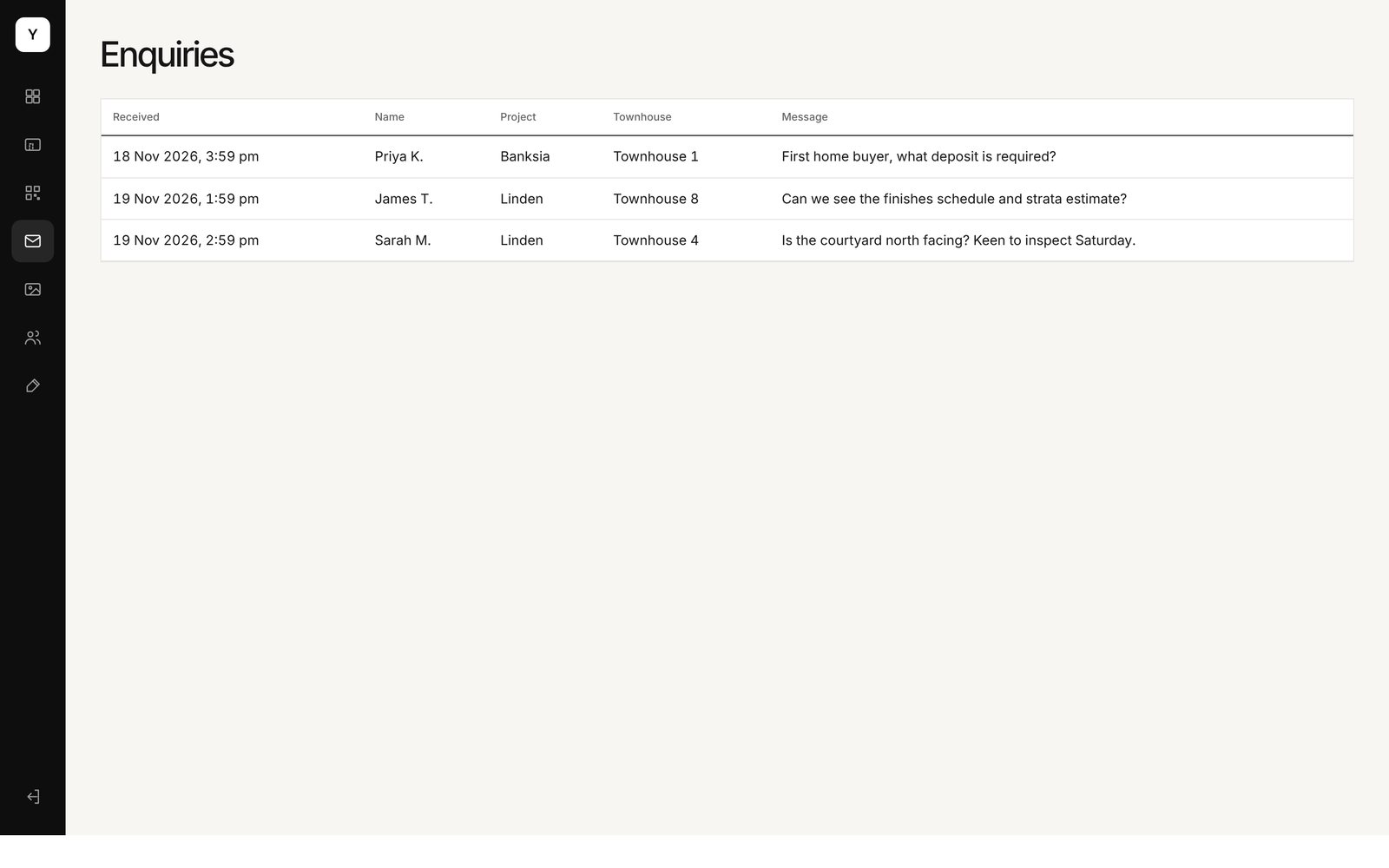
Enquiries with context
Every enquiry arrives tagged with the project and the exact townhouse it came from.
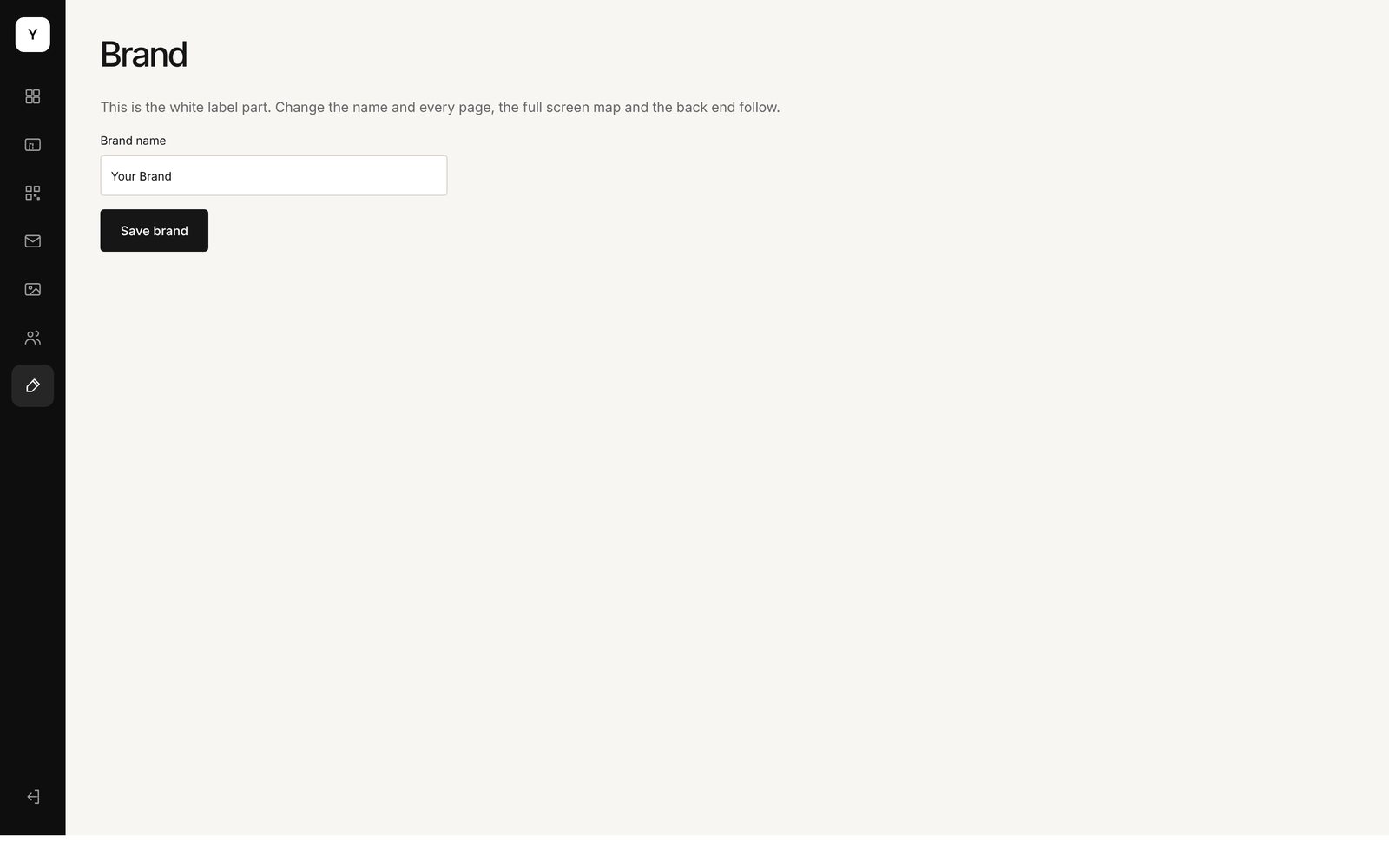
Your brand, not ours
Your name, logo, fonts and colours throughout. Sell it to developers under your own name.
The admin
Sold on site? Update it before you are back in the car.
Owners, sales staff and agents each get their own login. Change one home or several at once, and the street view, site plan, townhouse pages and display screen all follow. Every change is logged with who made it and when.
Try the admin in the demo ↗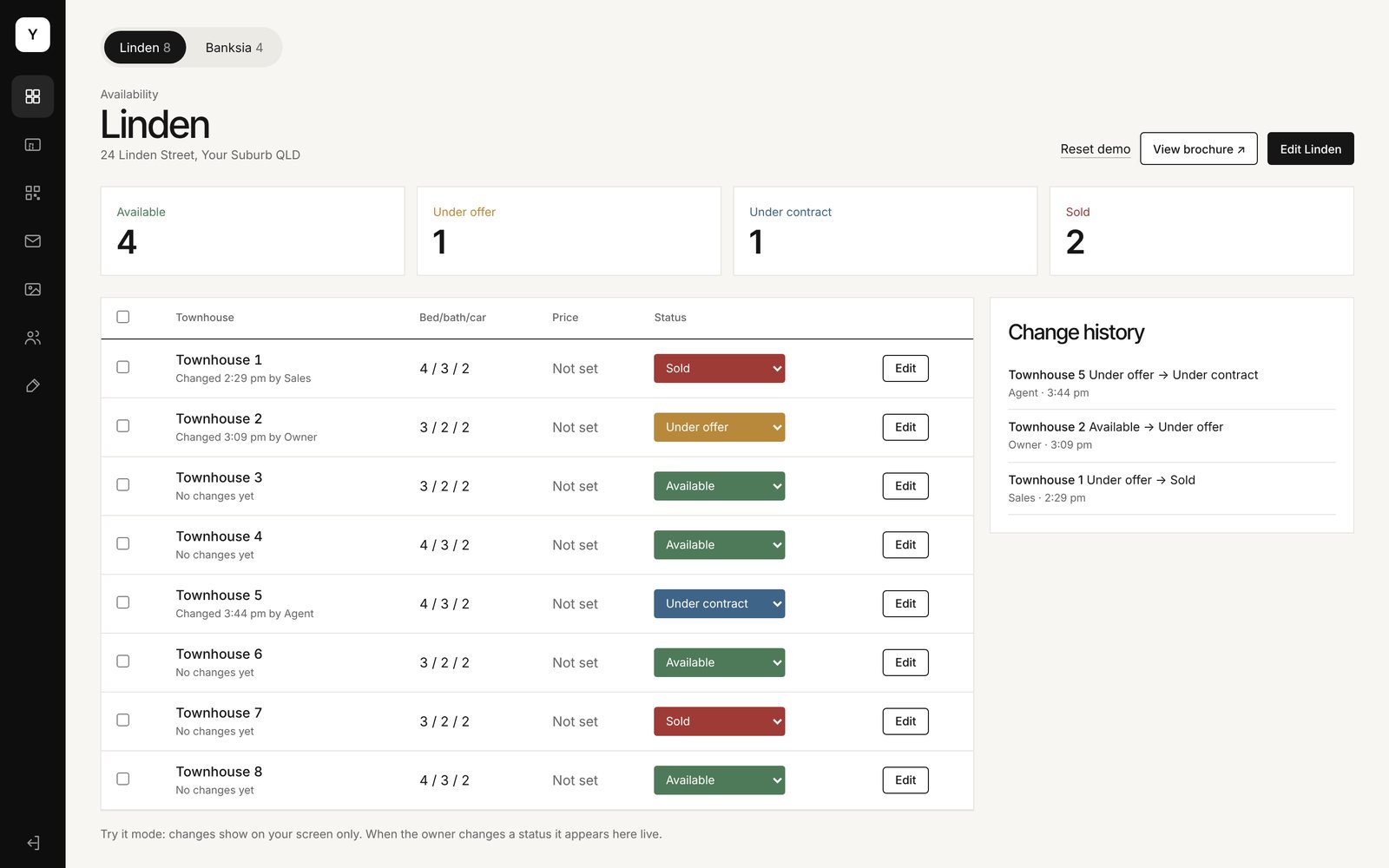
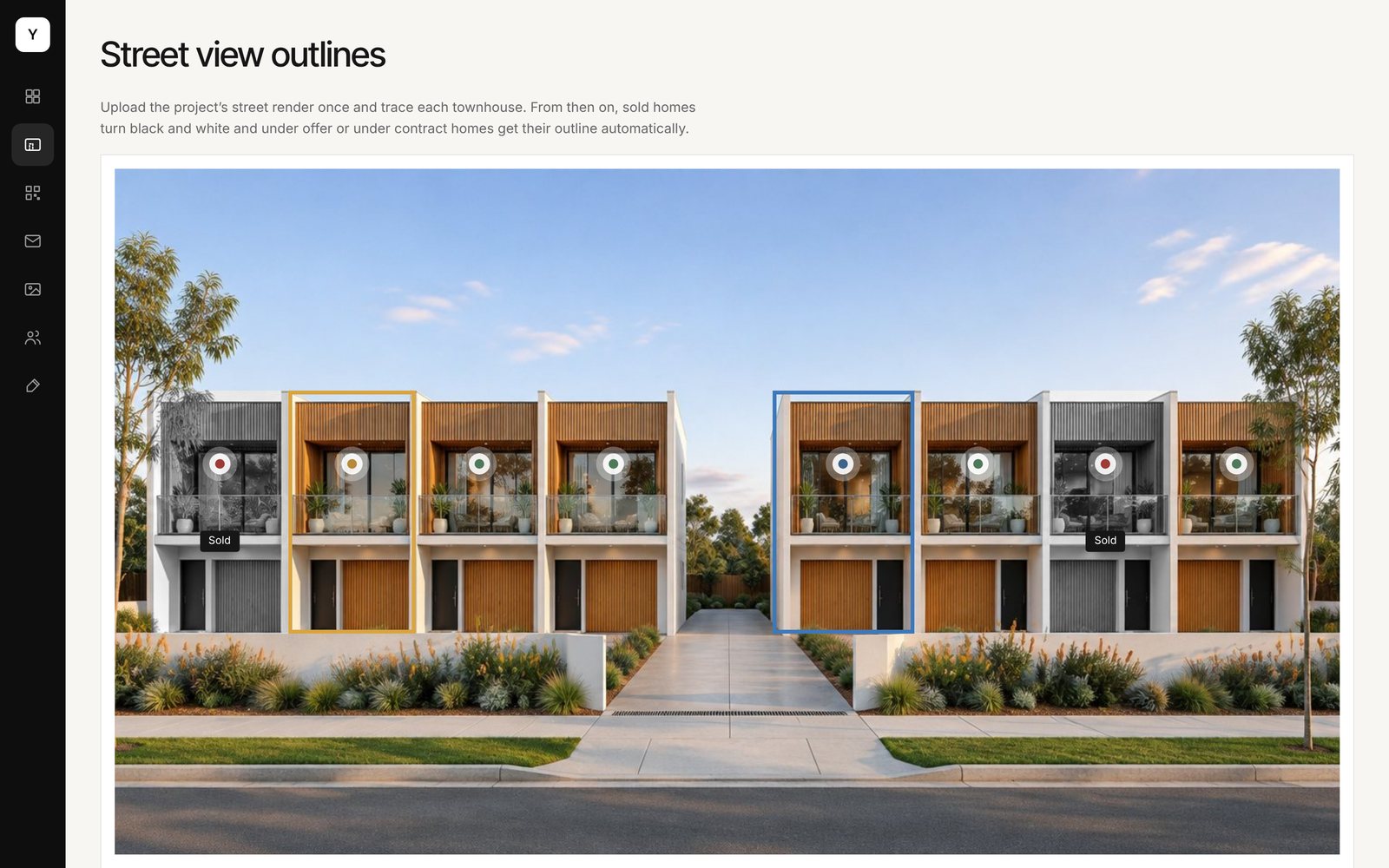
Street view outlines. Trace each home on your render once.
QR codes. Print ready codes for every home.
Enquiries. Tagged by project and townhouse.
Screens from the working demo with sample data.
Who it is for
Built for the people who sell new homes.
Developers
Give every new project a live sales page in days, with a site plan your sales team keeps current from their phone.
Project marketing agencies
Win more listings with a tool developers can see working. Run every project you market from one login.
Marketing agencies
Resell it under your own brand to your developer clients, with partner pricing and no build time.
Pricing
Simple pricing while your project sells.
A setup fee to load your project, then a monthly fee only while it is selling. One extra sale pays for years of it.
Single project
For a developer with one project selling.
- One project, unlimited townhouses
- Street view, site plan and full screen map
- Townhouse pages, QR codes and enquiries
- Admin, staff logins and change history
- Hosting, updates and support
Agency licence
For agencies marketing several projects.
- Everything in Single project
- Your agency brand on the hub and admin
- One login across every project
- Assign agents to projects
- Priority support
White label partner
For agencies reselling to their clients.
- Sold under your own name
- Wholesale price per project
- We set up, you sell
- Your branding on everything
Add ons: renders and video, launch campaigns on Meta and Google, printed QR signage.
Getting started
From render to live in four steps.
Send us the project
Your render, plans, residence schedule, documents and brand files.
We set it up
Branding, every townhouse loaded, homes traced on your render, QR codes made.
You review it
Check every page on your own subdomain before anything goes public.
Go live and sell
Your team updates statuses from day one. Everything else follows.
Questions, answered
Do we need a 3D model?
No. Your existing street render does the job. We trace each home on it once, and homes the street can't show go on the site plan.
Can it sit on our own website?
Yes. It runs on a subdomain of your site, such as listings.yourbrand.com.au, with your logo, fonts and colours.
Who can change statuses?
Anyone you give a login to. Owners manage everything, sales staff and agents change statuses, and every change is logged.
Where do enquiries go?
To your inbox, tagged with the project and townhouse. They can also go straight into your CRM.
What happens when a project sells out?
The project stays up as a sold out showcase for as long as you like, or comes down. Your next project slots in alongside it.
See it working on your next project.
Book a 20 minute walkthrough. We will show you the live demo and how your project would look.
matt@mpmarketing.au